
Begin with your table’s result
Describe the character’s action, both roll values, the kept result and the decided outcome. Choose advantage or disadvantage and a tone.
A story for the second die
A settled roll.
One visible influence.
A moment grounded in the scene.
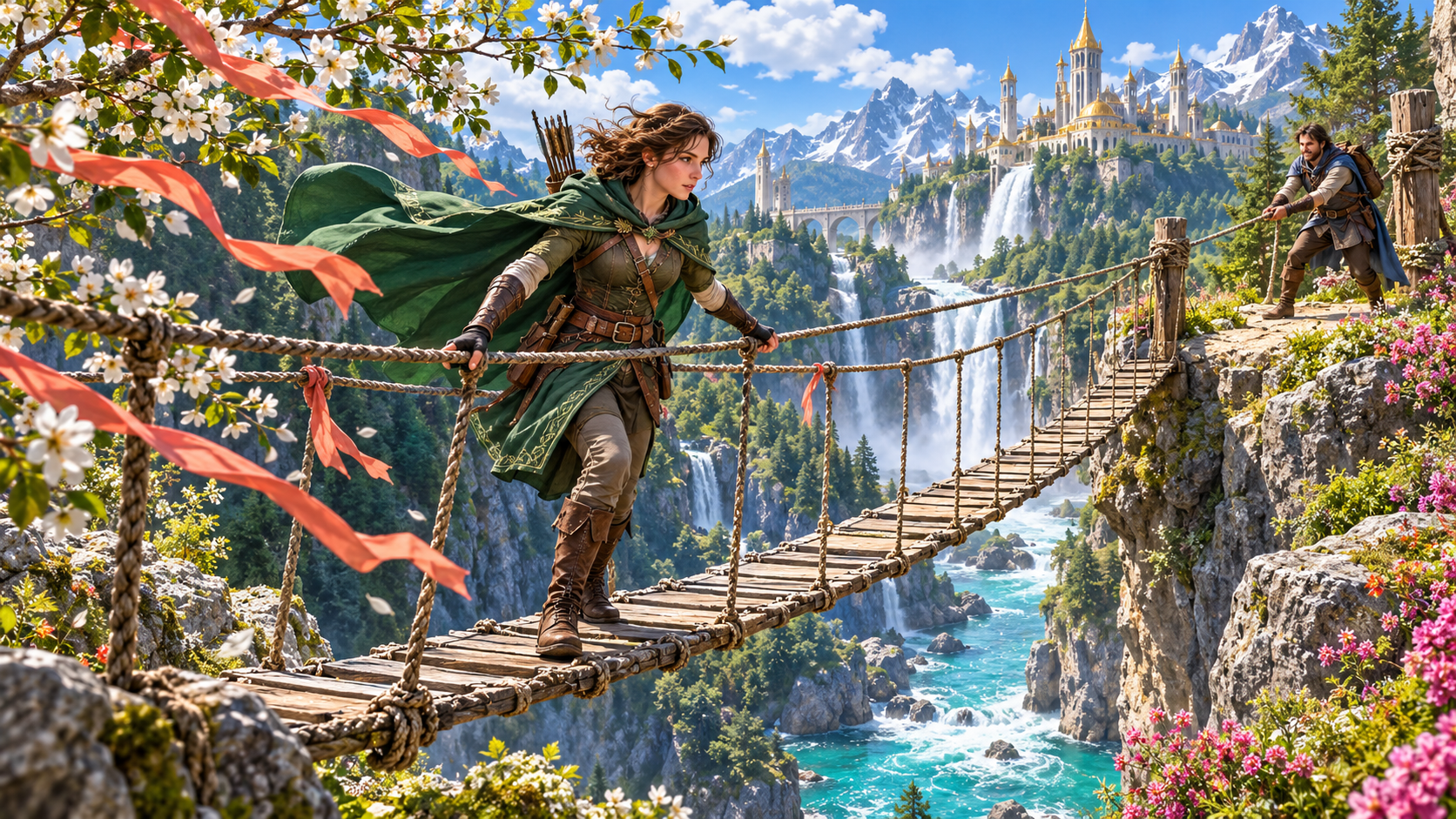
Begin with the outcome already decided
Keep both values and the kept result beside your explanation.
Describe the character’s action, both roll values, the kept result and the decided outcome. Choose advantage or disadvantage and a tone.
Explain how an environmental, social, tactical or situational factor opened an opportunity or added pressure. Review the story against the settled result.
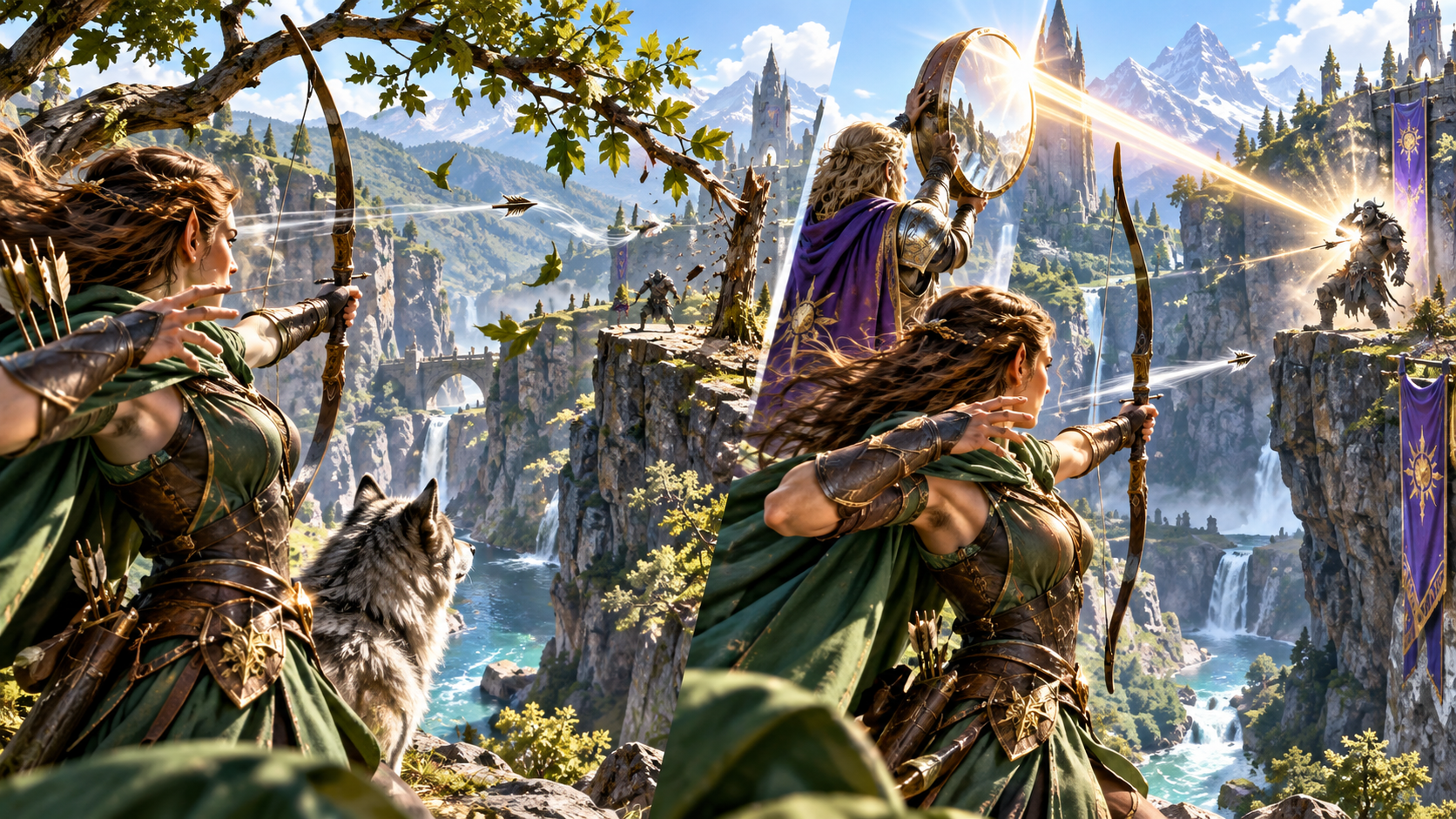
An archer beside leaves and reflected sunlight
The illustration contrasts an archer aiming through moving leaves with a companion holding a reflective shield beside her. Bright reflected sunlight crosses the gorge toward an armoured figure.
Choose a contextual influence for the action. Describe the opportunity or obstacle it created, the moment it mattered and the visible clue your table could notice.
From supplied values to a concrete influence
Build an explanation around the result already settled.
Start with the character, attempted action, both supplied die values, the kept result and the outcome already decided at your table.
Choose the roll type and tone. Describe how one influence opened an opportunity or added pressure in that moment.
Use terrain, weather, light or surroundings to give the extra die a concrete place in the scene.
Choose a relevant interaction, position or circumstance. Describe what made this particular action easier or harder.
Review the scene setup, contextual factor and the point where that influence mattered to the attempted action.
Prepare a clue that characters or witnesses could notice. Connect it to the influence in the explanation.
Describe the immediate implication and any witness reaction. Choose how far its relevance should reach.
Add the character’s role, skill, setting, stakes, opposition and relevant tools. Keep the character’s ability in view when refining the story.
Prepare narration to read aloud, a later callback and private Dungeon Master notes. Review what to share with your players.
Edit the story, lock useful sections, revise selected beats and use undo or redo. Revisit recent session versions and export stories you want to keep.
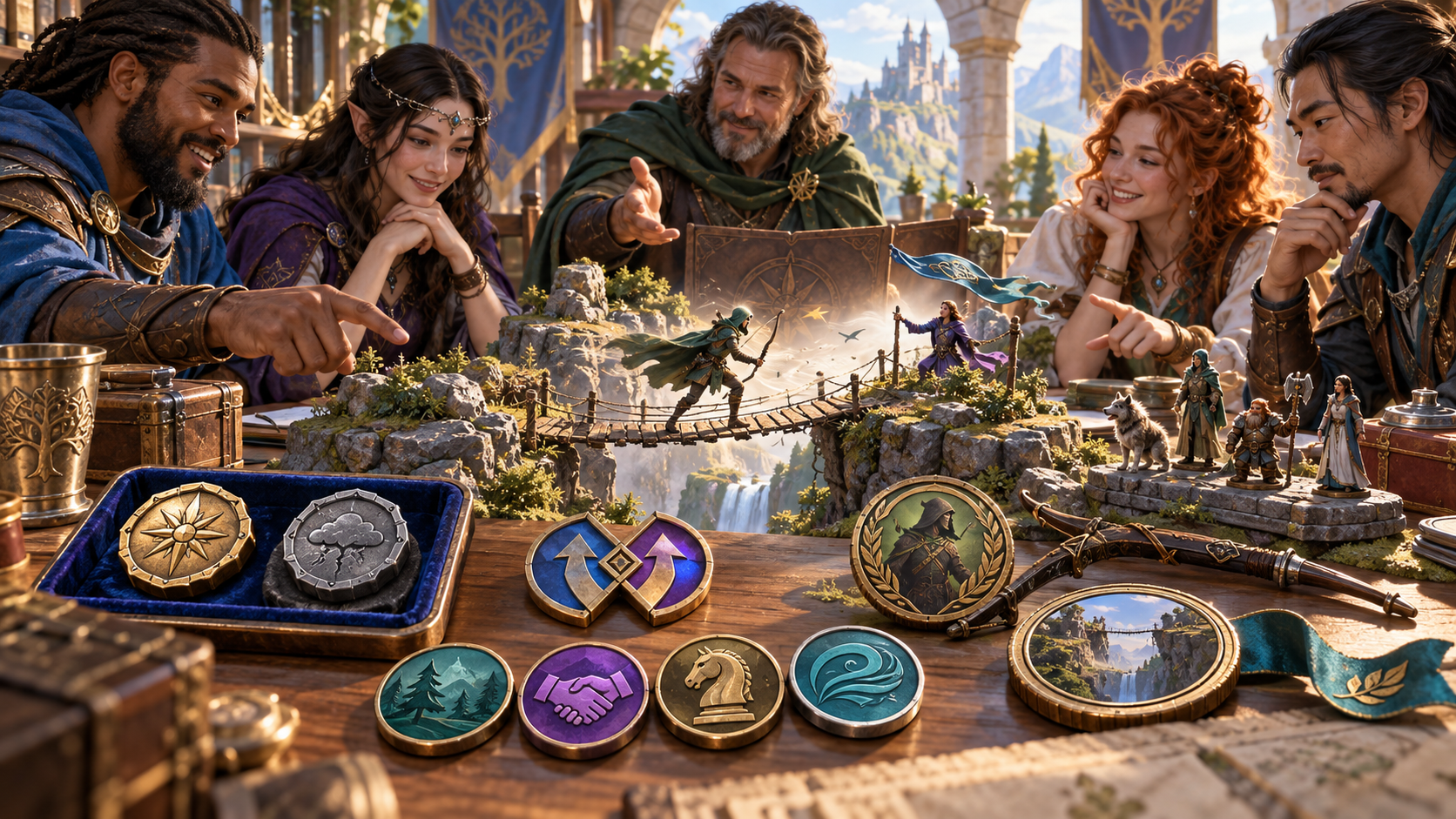
A group gathered around a miniature rope bridge
The illustration shows companions discussing a miniature rope bridge above a gorge. A small archer, banners and witnesses sit beside symbolic tokens, a bow and an illustrated circular scene.
Enter the action and settled roll details. Choose advantage or disadvantage, a factor family and tone. Add the setting, stakes, skill, opposition and relevant tools to ground the explanation.
Keep the roll beside the explanation
Prepare the story your table wants to hear.
Name the character and action. Enter both die values, the kept result and the outcome already decided at your table.
Select advantage or disadvantage, the environmental, social, tactical or situational factor and tone. Describe where the influence came from.
Read the scene setup, contextual factor and second-die turn together. Check the explanation against the supplied values and your table’s outcome.
Review the visible clue, immediate implication, optional witness response and read-aloud. Check private continuity notes and edits before sharing.
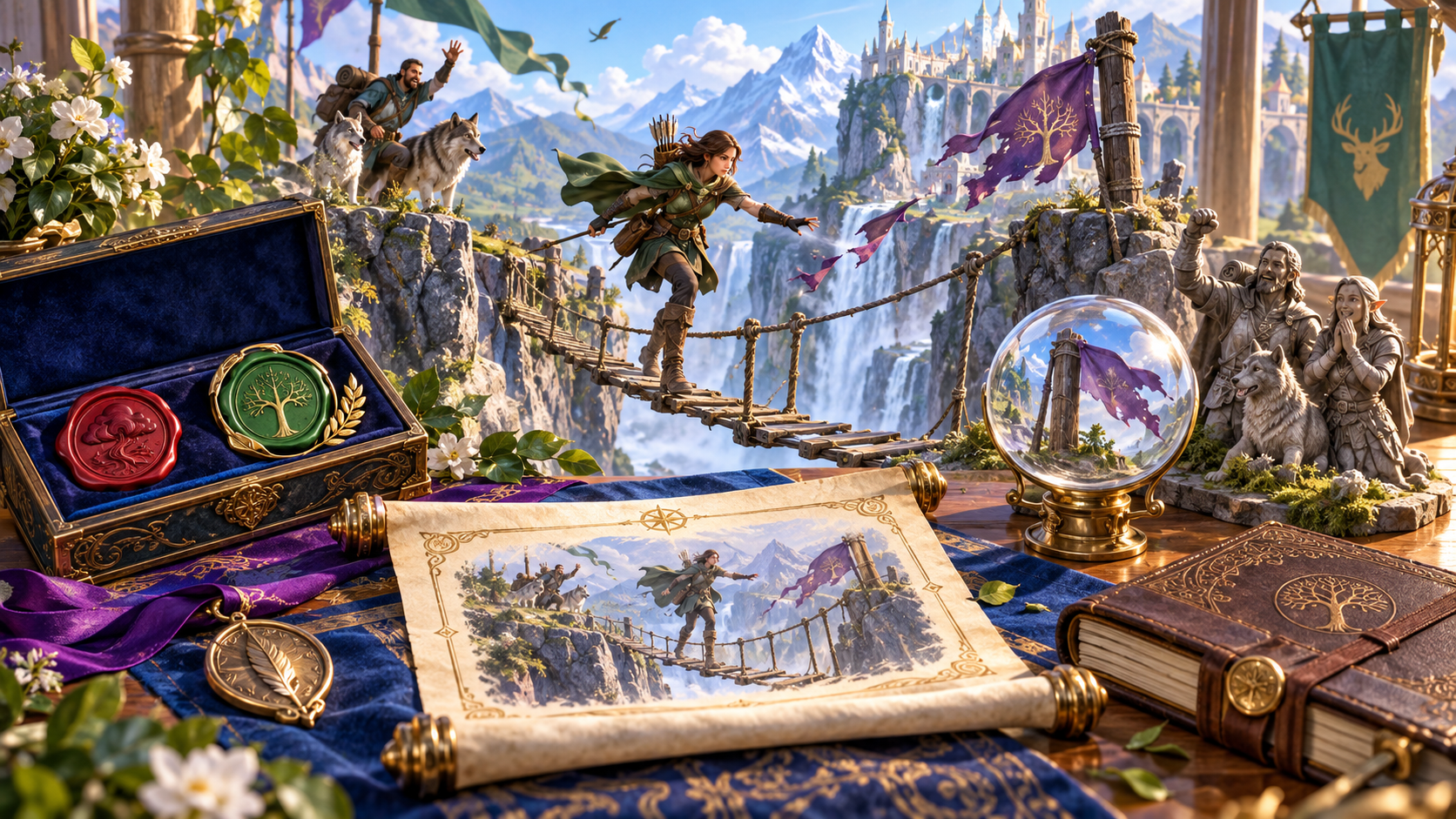
A bridge crossing with witnesses and illustrated notes
The illustration shows an archer crossing a rope bridge toward cheering companions and a wolf. A purple banner moves beside the bridge, while an illustrated scroll, symbolic tokens and a glass scene sit in the foreground.
Review the clue, immediate implication and witness beat alongside the explanation. Prepare a later callback and private continuity notes, then choose what fits your table.
Refine and keep your stories
Export the stories you want to keep after closing.
Edit the story, lock useful sections and regenerate selected beats. Use undo and redo, then review the full explanation against the settled roll.
Revisit recent versions during the current session. Export any story you want to retain after closing the generator.
Review the full Dungeon Master version, player-facing view, read-aloud or selected sections. Check private notes and custom edits before sharing.
Copy the material you choose, download the finished story as JSON or print the current version for your table.
Your workspace and related tools
Open your tools through your VISINVOKE account.

Open Advantage / Disadvantage Story Generator in DCC. Get the desktop workspace through your account installer page.
Prepare a separate story about making amends, its cost and how others respond. Use that material alongside your adventure.
Product illustrations show a rope-bridge crossing, an archer facing contextual influences, miniature scene planning and illustrated notes about a settled moment.
Questions and answers
Explain why the extra die mattered in the scene.
It gives an already-resolved advantage or disadvantage roll a story about one environmental, social, tactical or situational influence and the moment that made the extra die matter.
Enter the character’s attempted action, both die values, the value your table kept and the outcome already decided. Choose advantage or disadvantage, a factor family and a tone.
Add the character’s role and skill, setting, stakes, opposition, the source of the influence and relevant tools. Include observable witness details, the scope of implications and private continuity notes.
Resolve the roll at your table or with Skill Check Resolver first. This generator works from the values and outcome you supply to explain the extra die in the scene.
Revisit recent versions during the current session. Copy the Dungeon Master version, player-facing view, read-aloud or selected sections, download JSON or print. Export any story you want to keep after closing and review private notes and custom edits before sharing.
Open Advantage / Disadvantage Story Generator from the Generators collection in VISINVOKE Desktop Control Centre. Create an account or sign in and get DCC through your account installer page.
Continue in VISINVOKE
Create an account or sign in. Get Desktop Control Centre through your account installer page and open Advantage / Disadvantage Story Generator.
Keep exported stories beside your roll details and session preparation.